Free Printable QR Duck Tags
A QR duck tag is the little sticker or card that turns an ordinary rubber duck into a trackable rubber duck. Scan the code, and you instantly see where that duck has been, who has found it, and where it is headed next. With DuckyTrack you can design and print your own QR duck tags for free using our tag designer - no special app, no subscription, and no waiting on the mail.
Whether you are into Jeep ducking (Duck Duck Jeep) or cruise ducking at sea, the same free tags work for both. Print them, stick them on, release your ducks into the wild, and watch the journeys roll in on the live global map.
How to Make Free QR Duck Tags
Create, print, and release your own free printable QR duck tags with DuckyTrack so you can tag any rubber duck and track its journey worldwide.
- Open the tag designer. Go to the DuckyTrack tag designer at /tags on your phone or computer and create a free account if you do not have one.
- Pick a style. Choose a Jeep style for Duck Duck Jeep or a cruise style for ducking on cruise ships.
- Customize your tag. Give your duck a name and add a short personal message for whoever finds it.
- Print it. Download the PDF and print on sticker paper, cardstock, or plain paper at home.
- Attach it to your duck. Stick or tie the tag onto your rubber duck and weatherproof it with clear tape, lamination, or UV resin.
- Release and track. Leave your duck on a Jeep or cruise ship, then follow its journey on the live global map and leaderboard.
What Is a QR Duck Tag (and Why Use One)?
A QR duck tag is simply a small label printed with a unique QR code that links to one specific duck's profile on DuckyTrack. When someone finds your duck, they point their phone camera at the code, and the duck's whole story pops open - its name, your message, and every place it has traveled. No app download is required to scan; it just opens in the browser.
Here is why a QR tag beats a plain, untagged duck:
- Every duck becomes trackable. A tagged duck has an identity and a journey instead of disappearing forever.
- Finders feel the magic. The person who finds it sees the full adventure and can log their own find in seconds.
- You get alerted in near real-time. When your duck is found, you know - and you can follow it on the live map.
- It is 100% free. Design, print, and track your QR duck tags without spending a cent.
Curious what finders experience? Take a peek at the you-found-a-duck page - that is the friendly screen waiting behind every tag.
Design Your Own Free QR Duck Tags at /tags
The DuckyTrack tag designer lets you create free printable QR duck tags right in your browser, on your phone or computer. Pick the community style that fits your duck:
- Jeep style - rugged, off-road themed tags made for the Duck Duck Jeep crowd. Perfect for leaving on Jeeps at the trailhead or in the parking lot.
- Cruise style - bright, nautical tags built for hiding ducks on cruise ships and sharing the fun at sea.
You can name your duck and add a short personal message ("You've been ducked! Scan to log your find"), then download a clean PDF ready to print. Each tag carries its own unique QR code, so every duck you release has its own trackable profile and journey. Free accounts can generate a generous batch of tags every month - more than enough to keep a flock in circulation.
New to the whole thing? The how-it-works page walks through tagging, releasing, and tracking, and you can add DuckyTrack to your home screen so it feels just like a native app.
Printing and Weatherproofing Tips
QR duck tags only need to survive long enough to be scanned - but a little prep keeps them crisp through sun, rain, and salty sea air. A few field-tested tips:
- Plain paper works in a pinch. You can print on regular 8.5x11 paper, cut out the tag, and attach it. Great for a quick release.
- Sticker or label paper is best. Print on adhesive sticker paper or pre-cut vinyl labels so the tag sticks cleanly to your duck.
- Cardstock adds durability. For hang-tag style tags, print on cardstock and punch a hole for a string or zip tie.
- Seal it for the elements. Cover the printed QR with clear packing tape, laminate it, or use a coat of clear UV resin. Jeep ducks face mud and weather; cruise ducks face splashes and humidity.
- Test the scan. Before you release a duck, scan the finished tag with your own phone to make sure the code reads cleanly through any covering.
Keep the QR code crisp and high-contrast (dark code on a light background) and leave a little white margin around it - that is what makes it scan fast and reliably out in the world.
How to Make Free QR Duck Tags
Making your own QR duck tags takes just a few minutes from start to release:
- 1. Open the tag designer. Head to /tags on your phone or computer and create a free account if you have not already - it takes seconds.
- 2. Pick a style. Choose Jeep or cruise depending on where your duck is headed.
- 3. Customize it. Give your duck a name and add a short message for whoever finds it.
- 4. Print it. Download the PDF and print on sticker paper, cardstock, or plain paper.
- 5. Attach it. Stick or tie the tag to your rubber duck, and weatherproof it with tape, lamination, or resin.
- 6. Release and track. Set your duck free on a Jeep or cruise ship, then follow its adventure on the live map and climb the leaderboard.
That is it - one free tag turns one ordinary duck into a globetrotting, trackable adventure.
QR Tags vs. NFC Tap-to-Track: An Honest Comparison
Free QR tags are a fantastic place to start, and many duckers never need anything else. But if you want the next level of polish, DuckyTrack also offers premium NFC tap-to-track tags. Here is the honest difference:
Free QR duck tags
- Free and DIY. Design and print as many as you need at /tags.
- Print at home. No shipping, no waiting - ready in minutes.
- Scan with any camera. Finders just point their phone at the code.
- You handle the printing and weatherproofing yourself.
Premium NFC tags (the Duckling Pack)
- Tap, don't scan. Finders simply tap their phone to the tag - no camera aiming.
- Pre-made and durable. The Duckling Pack pairs a pre-configured NFC tag with a holographic, weatherproof sticker and a claim code, so it is ready to go out of the package.
- A premium, finished look for duckers who want the best gear.
The NFC Duckling Pack is available now, in packs from 3 to 100. Free QR tags still do everything you need: tag, release, and track. Many duckers run a mix of both, and every tag - QR or NFC - feeds the same live map, achievements, and leaderboards.
Track Your Ducks Anywhere - Even Offline at Sea
Once your QR-tagged ducks are out in the world, the real fun begins. DuckyTrack ties every tag into one connected platform:
- Live global map and feed. Watch finds light up around the world on the activity feed.
- Leaderboards and achievements. Earn badges and climb the leaderboard as your ducks rack up miles.
- Offline Cruise Mode. Hiding ducks on a ship with no Wi-Fi? Cruise Mode lets you scan ducks at sea with no internet and sync later.
- Works like an app. Install DuckyTrack to your home screen from the app page for one-tap access on the go.
Want more tips and stories from the community? The DuckyTrack blog is full of guides for both Jeep and cruise duckers.
Free duck tag templates
Every template below prints from the Duck Tag Designer with a unique QR code per duck - on plain paper, Avery sticker sheets, or thermal labels. Pick a starting point and make it yours:
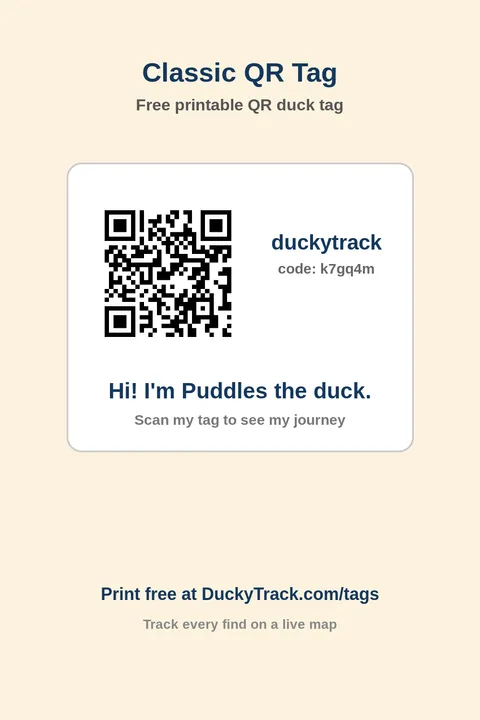
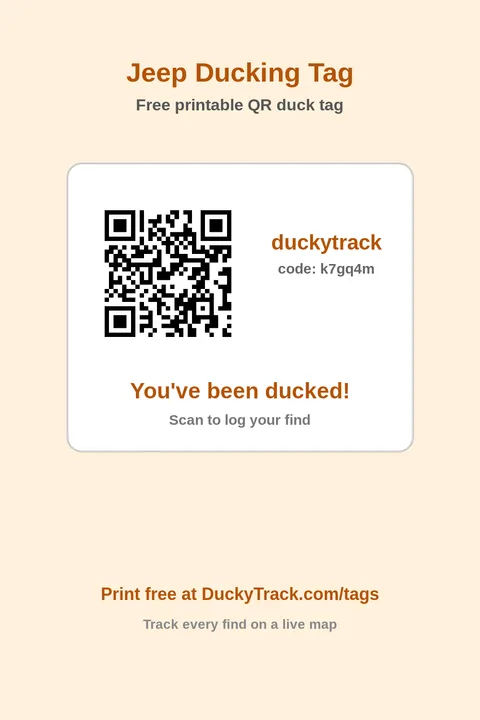
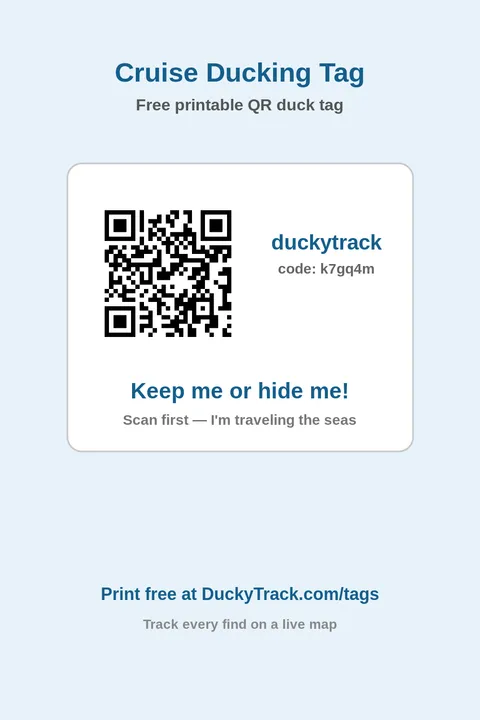
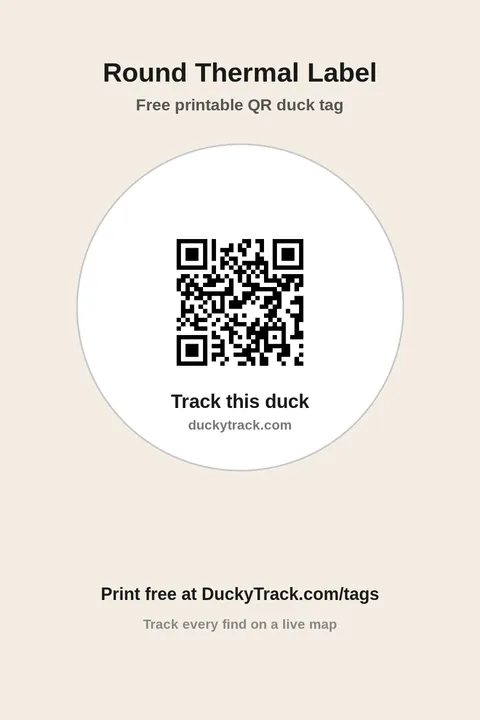
Sizes: the designer lays tags out for plain 8.5×11 sheets, popular Avery template numbers, and 1-2 inch thermal rolls (round or rectangular). Rubber duck tags only - if you're after waterfowl-hunting transport tags, that's a different pond entirely. Want a themed set ready to print? Jump straight to the cruise duck tag designer or the Jeep duck tag designer.
Frequently asked questions
Are QR duck tags really free?
Do I need an app to scan a QR duck tag?
What should I print my QR duck tags on?
Do QR duck tags work for both Jeep ducking and cruise ducking?
What is the difference between QR duck tags and NFC duck tags?
How do I track my ducks after I tag them?
How many free QR duck tags can I make?
Ready to turn your rubber ducks into globe-trotting adventurers? Design your free QR duck tags at /tags - pick a Jeep or cruise style, print at home, and release your first tagged duck today. It is 100% free to start, and it works right on your phone.
Once your ducks are out there, watch the magic unfold on the live global map, and when you are ready to level up, check the store for the upcoming NFC tap-to-track Duckling Pack. Happy ducking!